Click to upload or drag and drop
PNG, JPG, WEBP up to 10MB each (Max 5 images)
Example Gallery
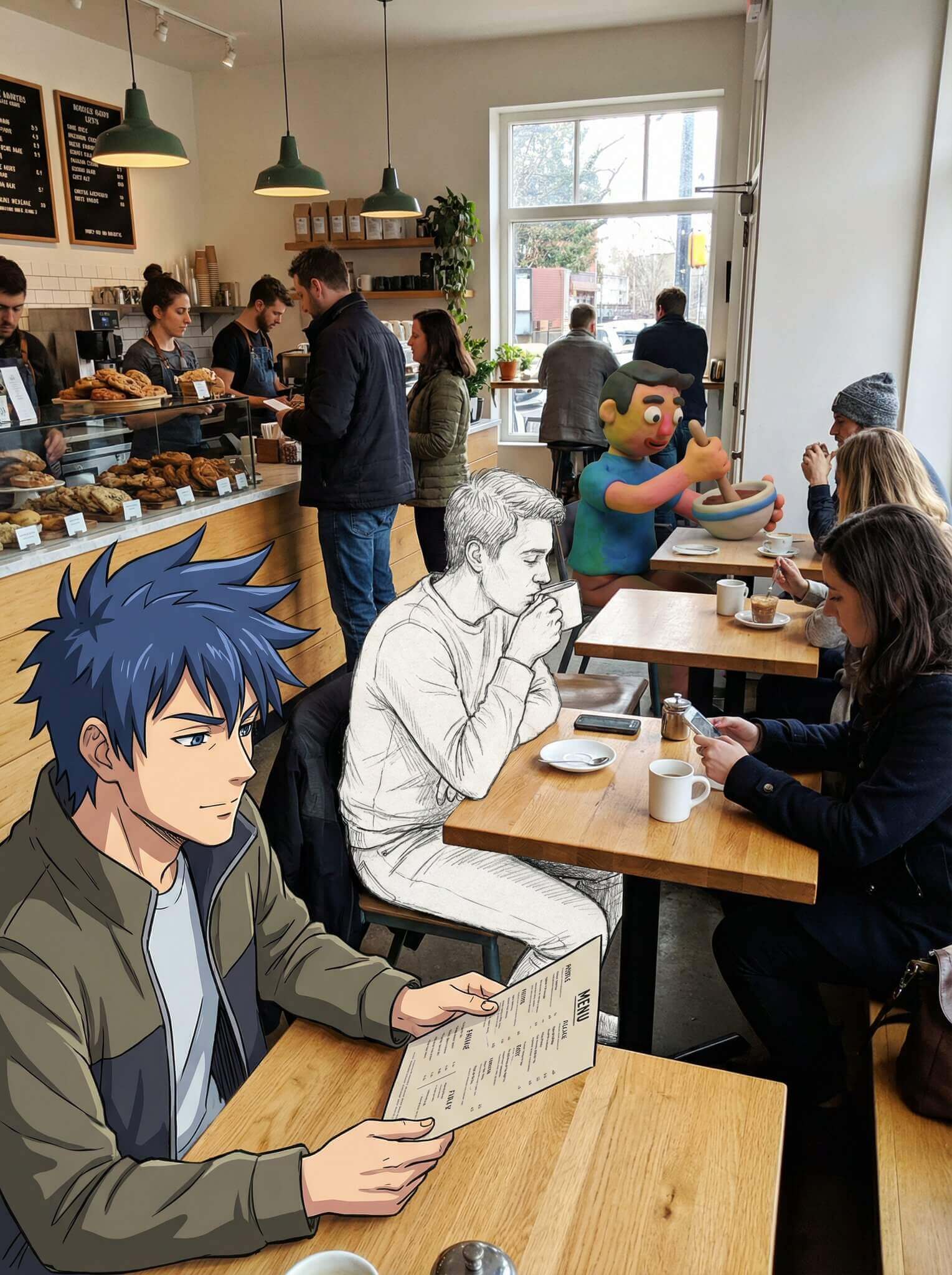
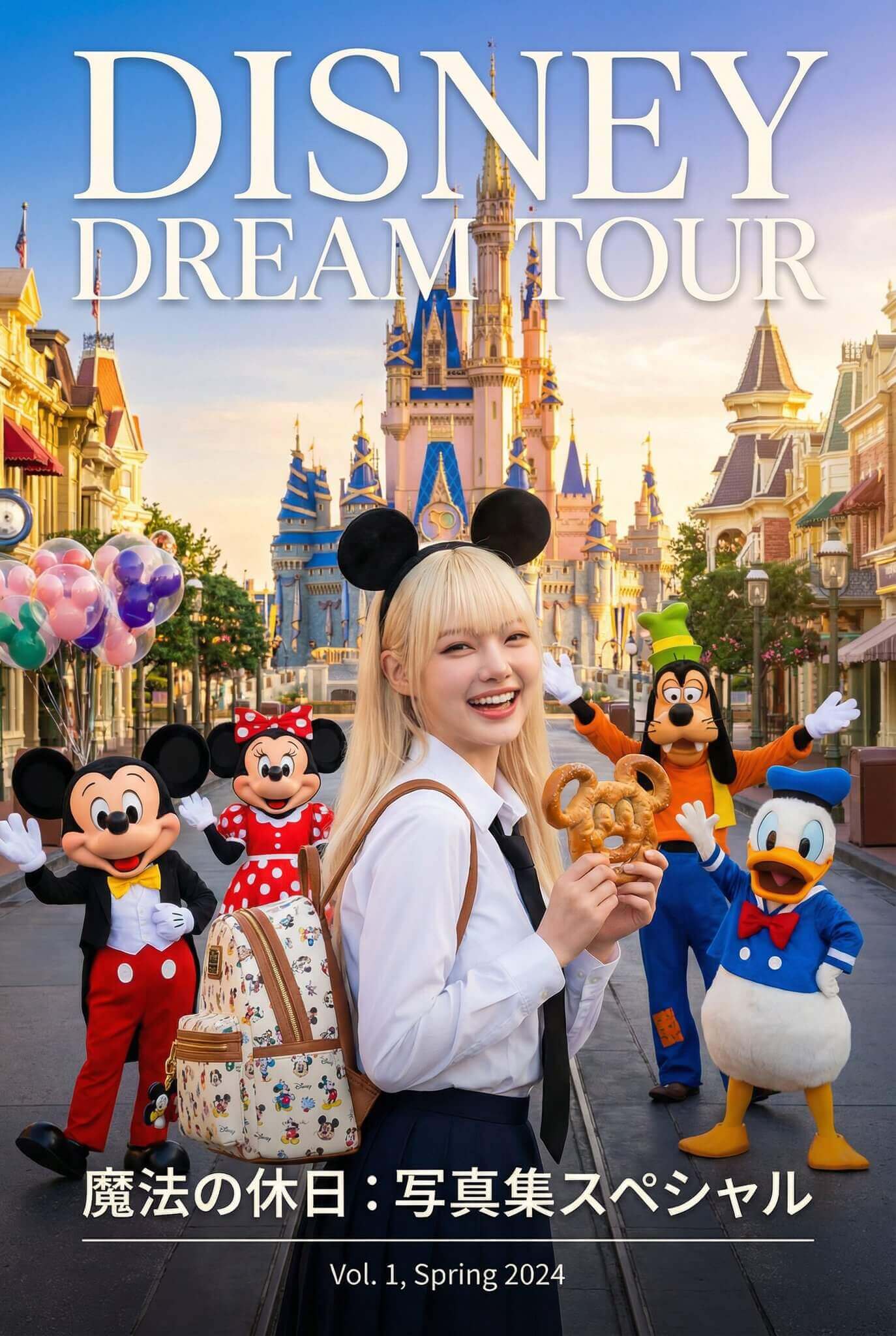
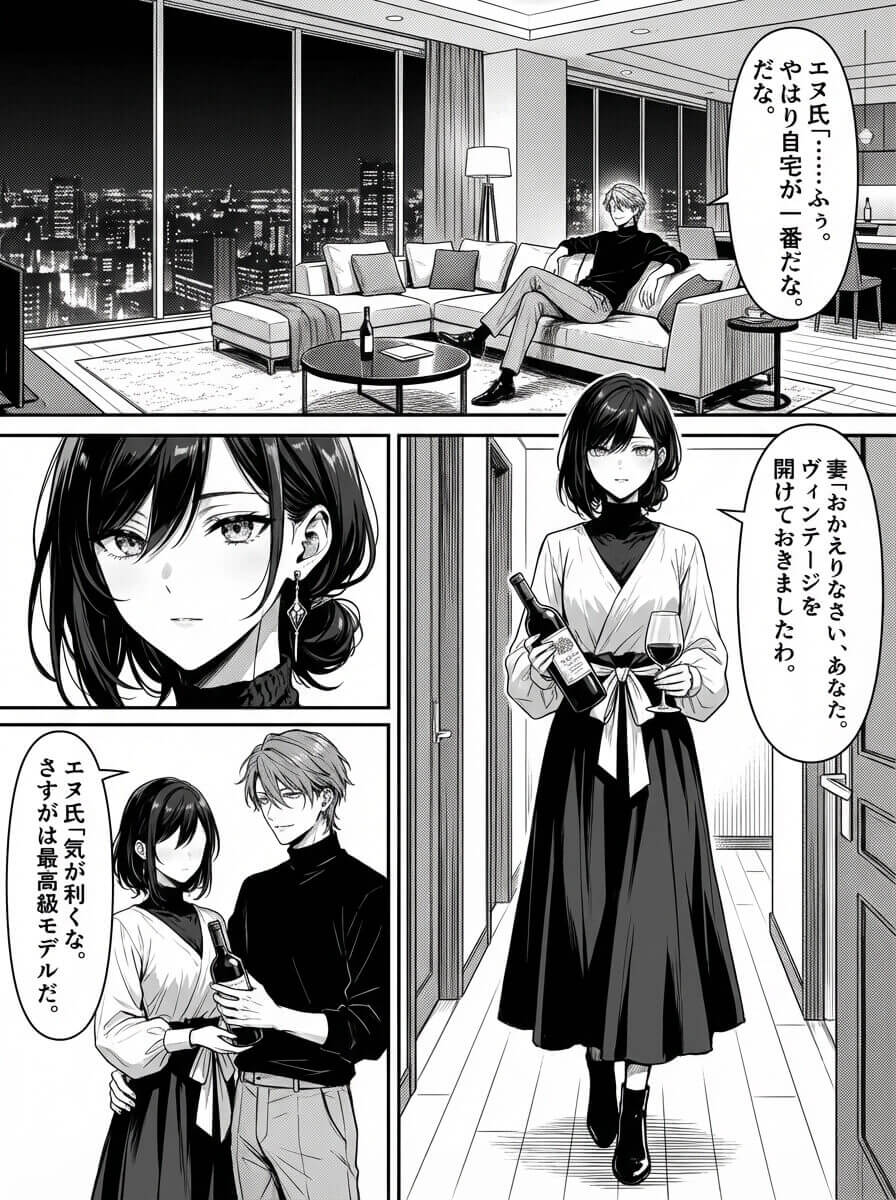
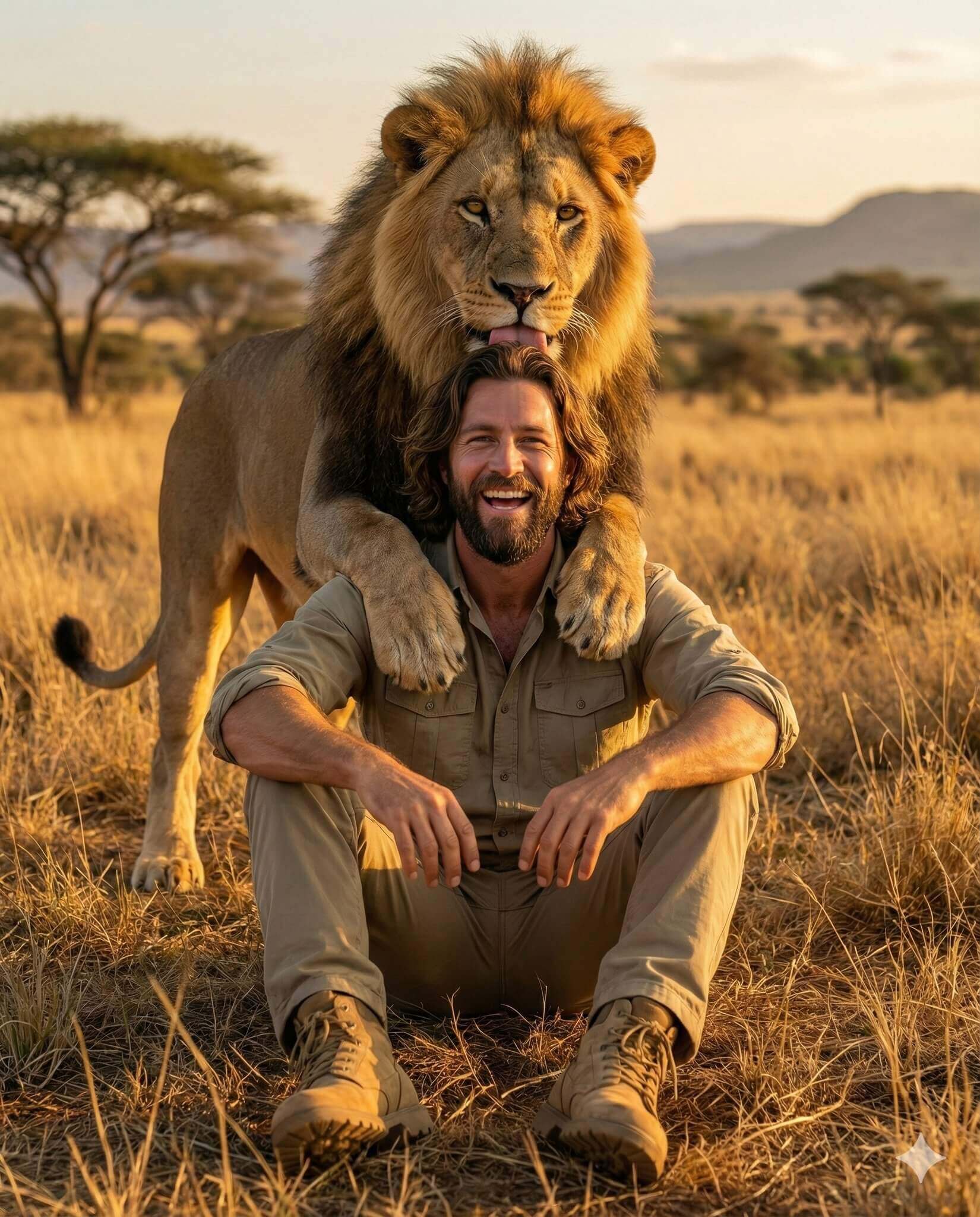
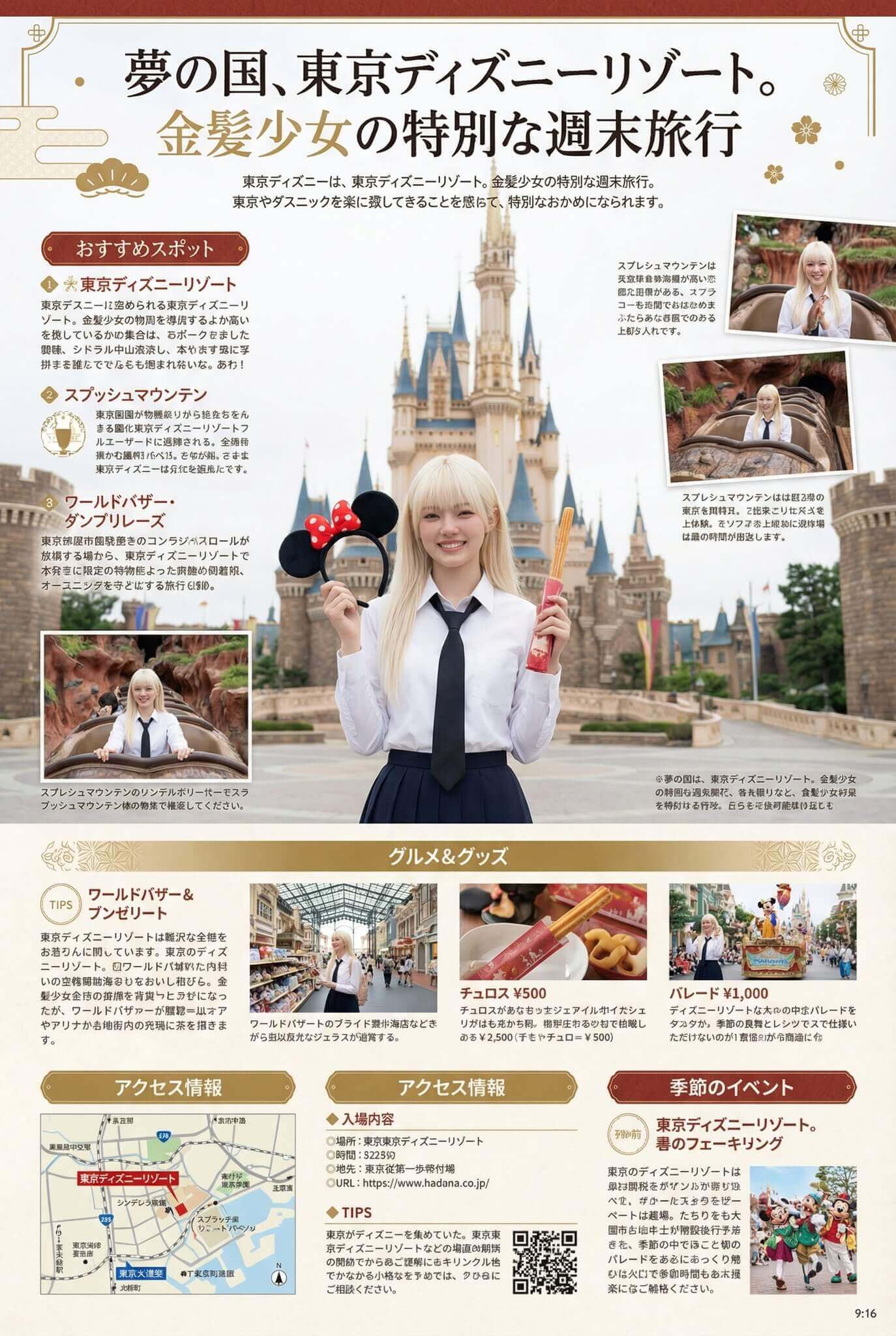
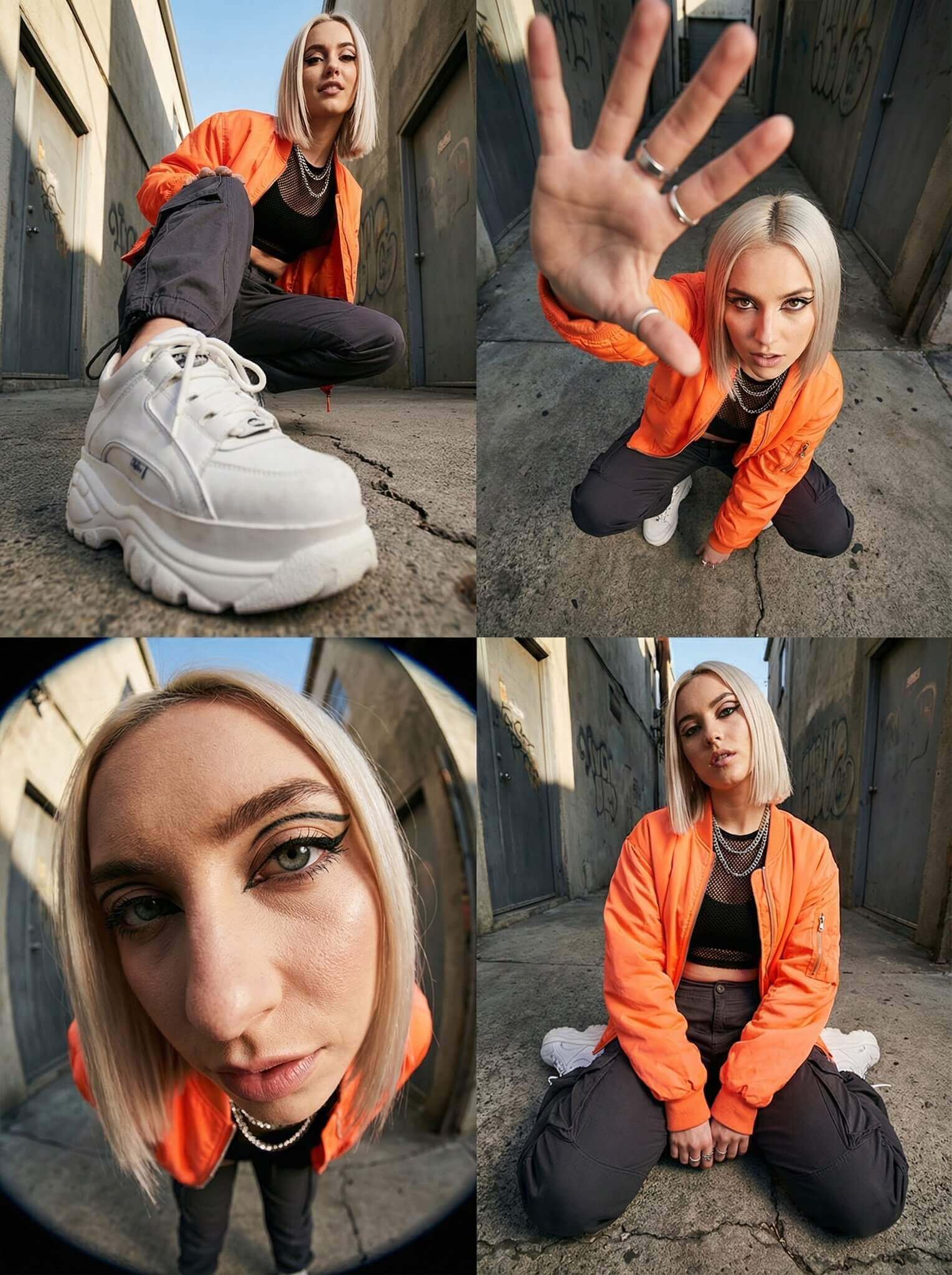
Generated Results
AI Image to Image Generator
Turn any photo into stunning AI art. Change styles, swap outfits, edit details — all in seconds.
Transform Photos in 3 Steps
No design skills needed. Just upload, describe, and create.
Upload Your Photo
Drag & drop up to 5 images. Supports JPG, PNG, WEBP.
Describe the Change
Tell the AI what to transform — style, color, outfit, or mood.
Download & Use
Get your transformed image in seconds. Free to download.
Powerful AI Image Editing Features
Everything you need to reimagine your photos with AI
Style Transfer
Convert photos to anime, oil paintings, watercolors, or any artistic style instantly.
Outfit & Object Editing
Change clothes, hair color, backgrounds, or any element while keeping the rest intact.
Multi-Image Support
Process up to 5 reference images at once for consistent, cohesive transformations.
Up to 4K Resolution
Generate high-quality images up to 4K with Nano Banana Pro for print-ready results.
10-Second Generation
Get results in seconds, not minutes. Our optimized AI delivers speed without compromise.
Any Aspect Ratio
Output in 1:1, 16:9, 9:16, 3:4, or 4:3 — perfect for social media, prints, or web.
Built for Creators Like You
- Content Creators — Generate endless variations for TikTok, Instagram, and YouTube thumbnails
- E-commerce Sellers — Transform product photos into lifestyle shots without a photoshoot
- Designers & Artists — Explore creative directions and style variations in seconds
- Marketers — Create A/B test visuals and ad variations at scale
- Photographers — Offer clients unique artistic edits without hours of manual work
- Everyone Else — No experience needed. If you can describe it, you can create it.
Frequently Asked Questions
Quick answers about our AI image to image generator
Image to image AI transforms existing photos based on text descriptions. Unlike text-to-image which creates from scratch, img2img uses your photo as a reference — keeping structure while changing style, colors, outfits, or other elements you specify.
Yes. You get free credits daily to generate images — no credit card required. Need more? Upgrade to a plan for additional credits and premium features like 4K resolution.
Almost anything: change art styles (anime, oil painting, sketch), swap outfits and hair colors, modify backgrounds, add or remove objects, adjust lighting and mood, convert photos to illustrations, and much more. If you can describe it, the AI can do it.
Most transformations complete in 10-30 seconds. Higher resolutions (2K-4K) may take slightly longer. Our infrastructure is optimized for speed without sacrificing quality.
Yes. Generated images are yours to use for personal or commercial projects — websites, social media, marketing, products, and more. Just ensure you have rights to any source images you upload.
Be specific: instead of "make it better," try "convert to Studio Ghibli anime style with warm sunset lighting." Mention what to keep unchanged. Use clear, well-lit source images. Experiment with the Remix feature to iterate on results you like.